
Rings on Silent
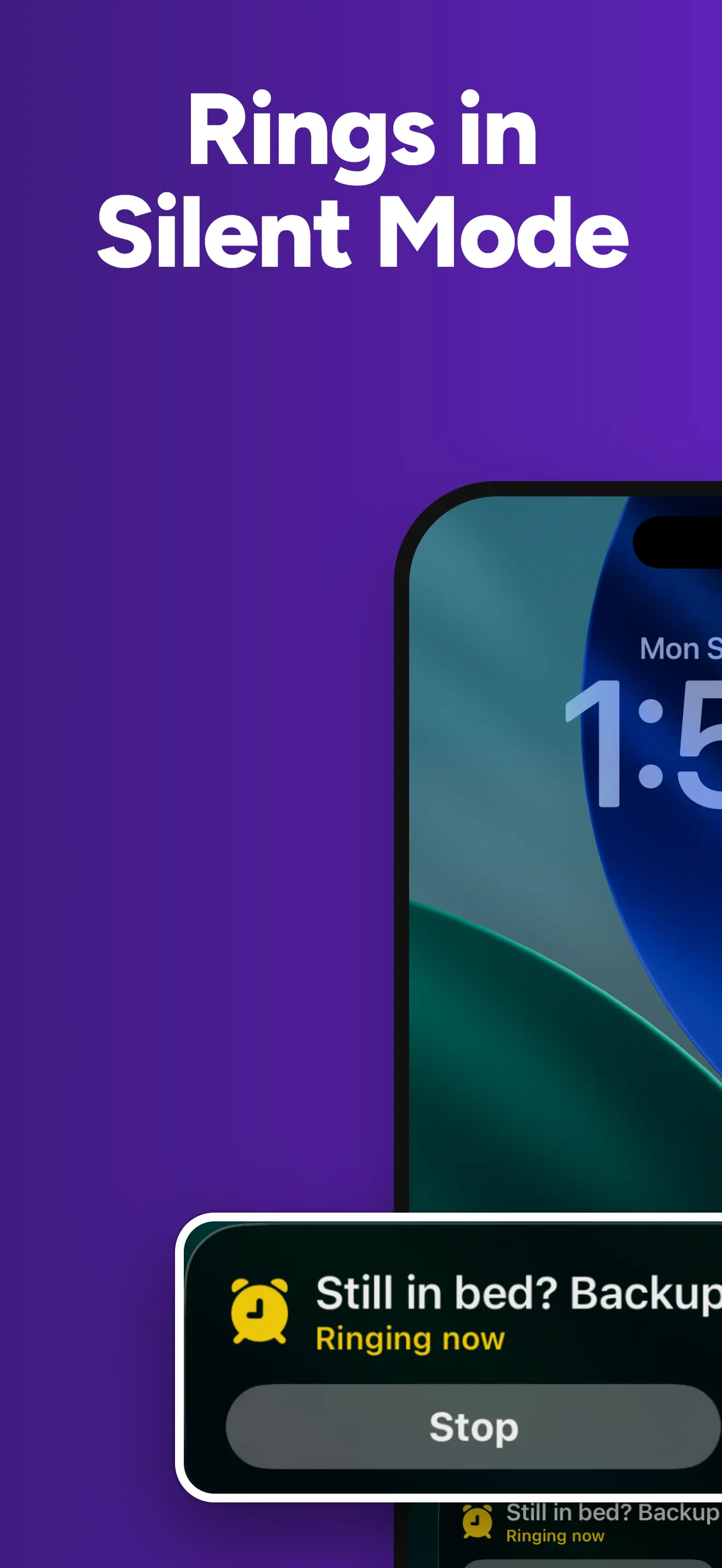
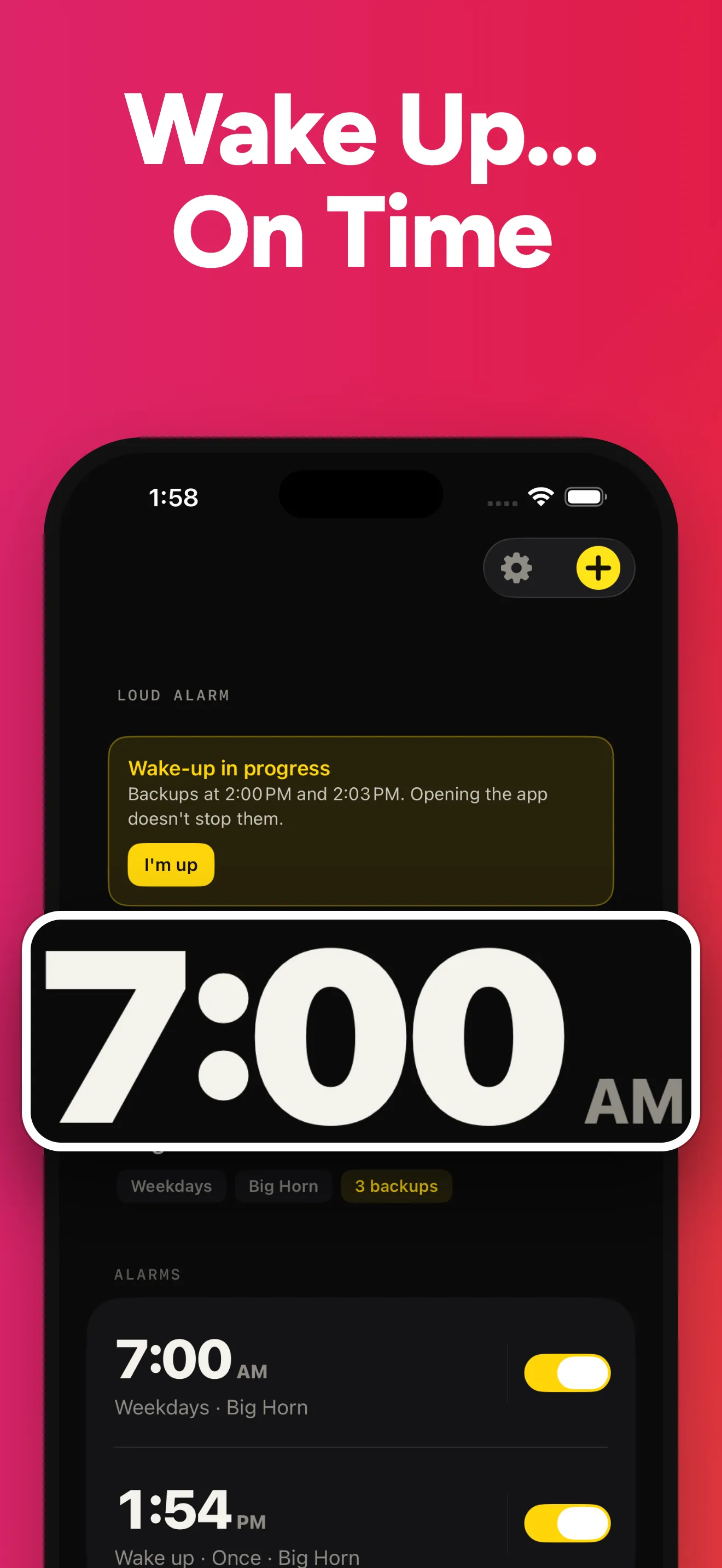
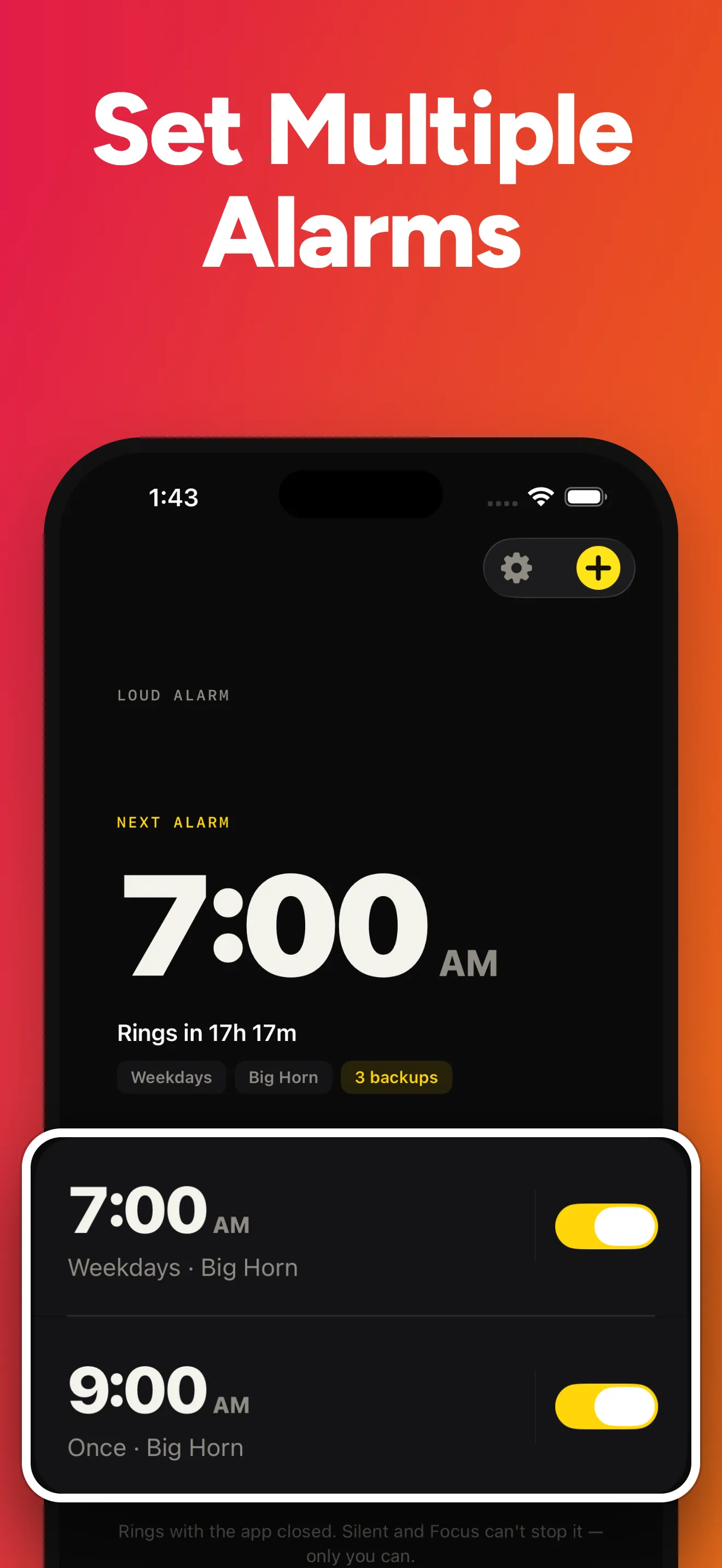
Through Silent and Focus, with the app closed
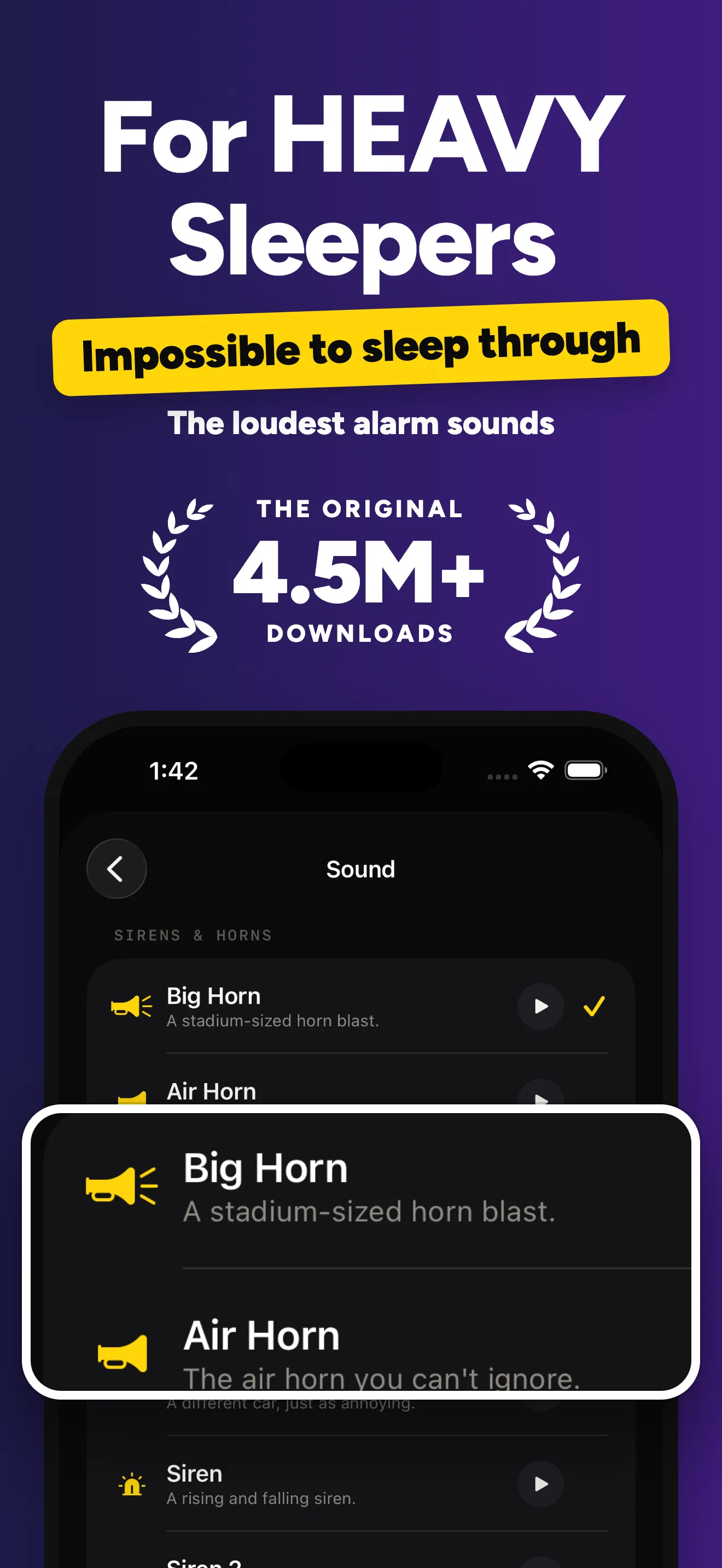
It uses Apple's AlarmKit, so iOS itself rings your alarm, the same way the Clock app does. Alarms play at your ringer volume, so turn it up before bed.
Free alarm clock for iPhone & iPad
If you sleep through ordinary alarms, Loud Alarm Clock gives you loud sounds, from air horns to sirens, and backup alarms 3, 6 and 9 minutes later in case the first one doesn't get you up.
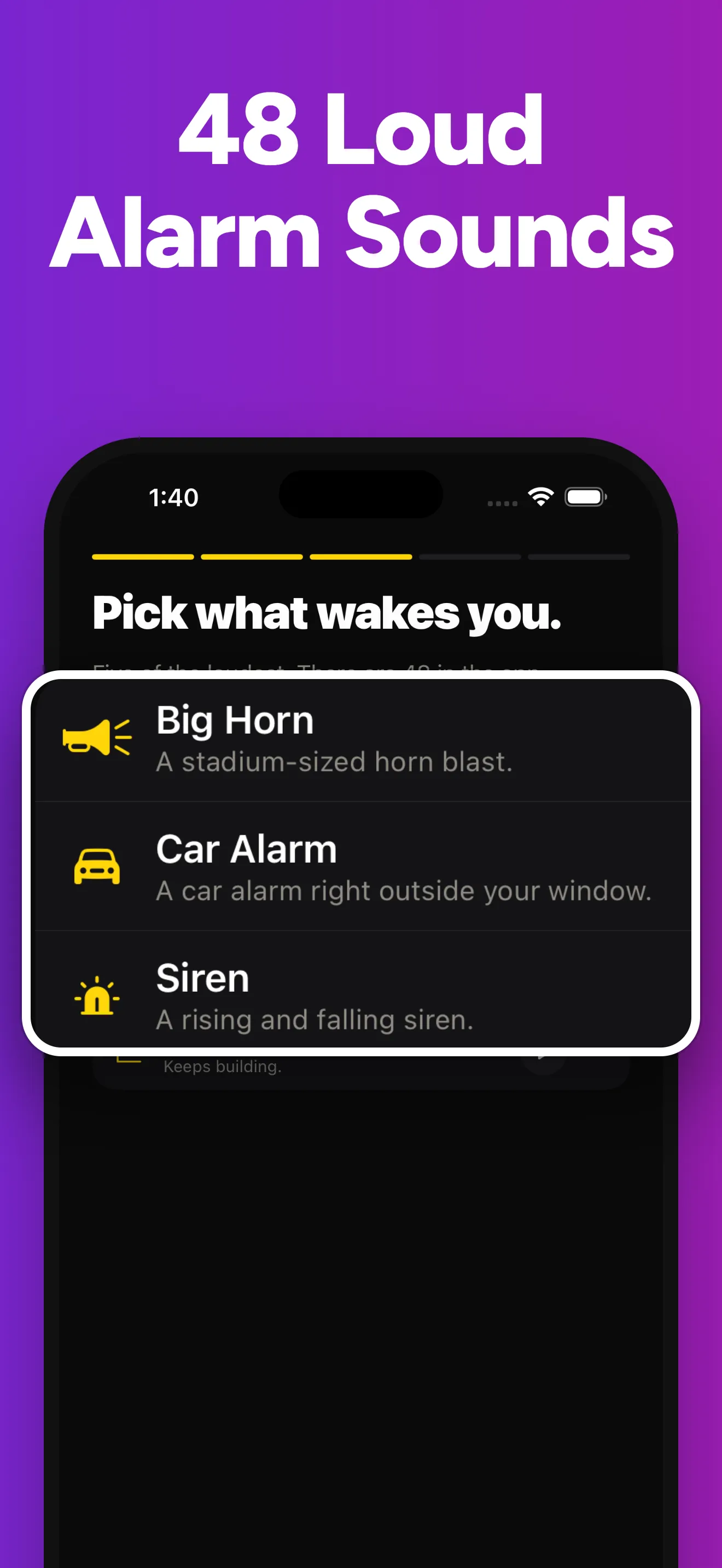
Free with five of the loudest sounds. Premium adds all 48 and more alarms. Needs iOS 26.1 or later.
Most alarm apps can't ring when the phone is on Silent or the app is closed. This one can, because iOS rings it. All features →
Rings on Silent
It uses Apple's AlarmKit, so iOS itself rings your alarm, the same way the Clock app does. Alarms play at your ringer volume, so turn it up before bed.
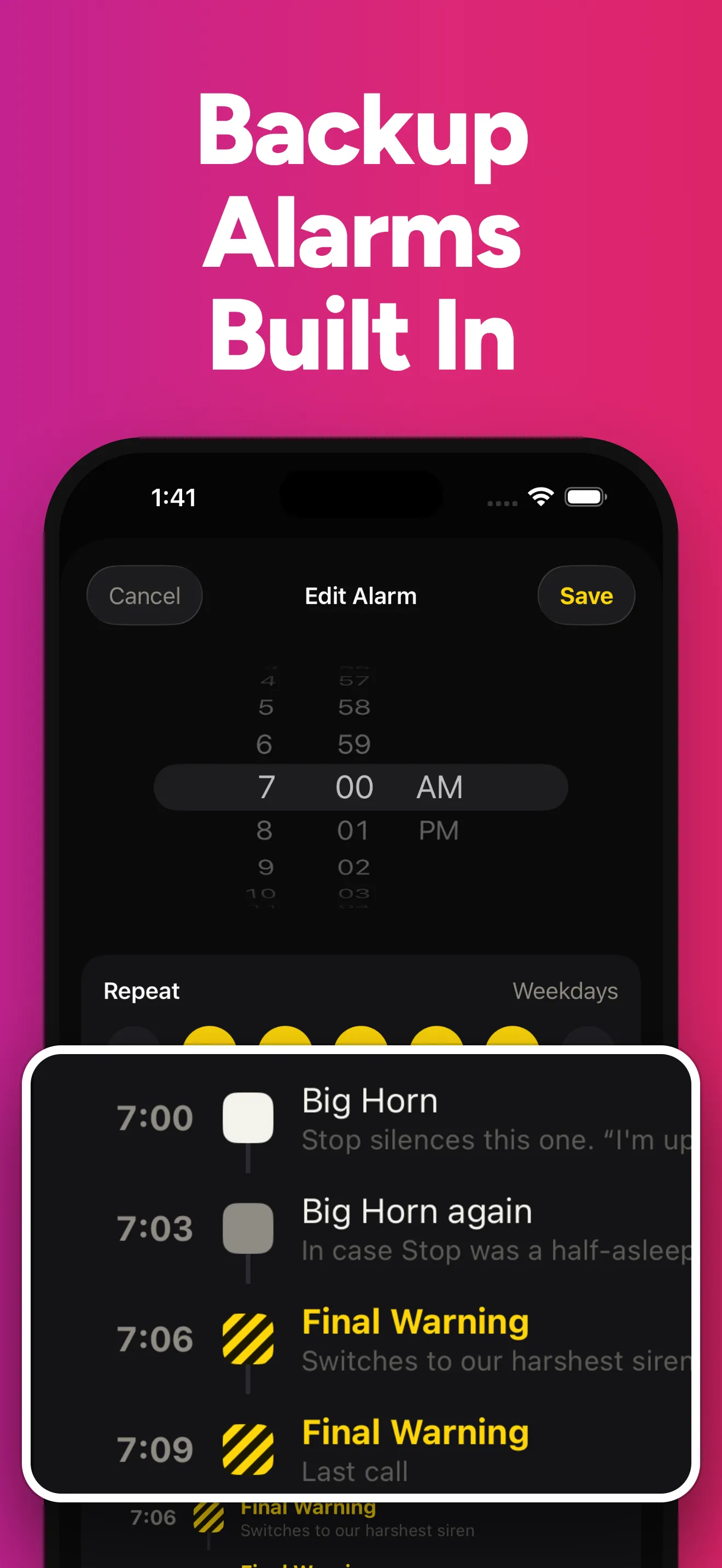
Backup alarms
If the first alarm doesn't get you up, backups ring 3, 6 and 9 minutes later. One tap on “I'm up” ends them all.
48 loud sounds
Five of the loudest are free. Premium unlocks all 48, including 11 voice alarms. Prefer snooze to backups? Choose per alarm. Hear them all →
The Clock app that comes with your iPhone is a good alarm, and if it wakes you, keep using it. Loud Alarm Clock is for people it doesn't wake.
4.4 stars from about 8,000 ratings on the US App Store. Read all 10 →
“The only app that wakes me up!”
“One of the only alarms that actually wakes me up. Easy to use and very handy!”
“Nothing wakes me up, but this app does!”
“This alarm clock really gets me up, unlike any other. Worth it!”
“Try the car alarm. Nobody can sleep through that!”
“Very loud and annoying, just what I needed!”
Plain answers about waking up on time with an iPhone, including what the built-in Clock app already does.
After an iOS update, check the alarm volume, each alarm's Sound, your sleep schedule and a restart. Apple doesn't document an update bug for alarms.
Yes. Clock alarms ring through Silent mode, Do Not Disturb, Focus and Sleep. What can still stop them, and how alarm apps differ.
Alarms use the ringer volume, not media volume. Which slider to turn up, what iOS 27 changed, and how to pick a sound that wakes you.
The real reasons an iPhone alarm stays quiet, from a low ringer slider to a sound set to None, and how to check each one tonight.
Yes. The free plan rings one alarm at a time, with five of the loudest sounds and backup alarms included. Premium adds as many alarms as you need, all 48 sounds and a snooze length you choose. It comes as a monthly subscription, a yearly subscription with a 7-day free trial, or a one-time Lifetime purchase. Prices for your country are shown in the app.
Yes, and with the app closed. Loud Alarm Clock uses Apple's AlarmKit, so iOS rings the alarm itself.
Alarms play at your iPhone's ringer volume. The app can't change it for you, so turn it up in Settings › Sounds & Haptics › Ringtone and Alerts. With the ringer turned up, sounds like Big Horn and Car Alarm are very hard to sleep through.
No alarm can tell whether you're awake. If you don't tap “I'm up”, three backup alarms ring 3, 6 and 9 minutes after the first one. After the third backup, it stops.
Yes. Each alarm can use snooze or backup alarms, whichever you prefer. Snooze is 9 minutes on the free plan; Premium lets you choose the length.
Yes, on iPhone and iPad with iOS 26.1 or later.
Free on the App Store for iPhone and iPad.

